 Marker Match
Marker Match
Game được lưu trữ bởi bên thứ ba và hoàn toàn miễn phí. Đừng bao giờ nhập mật khẩu hay thông tin thanh toán trong game.
Giới thiệu game
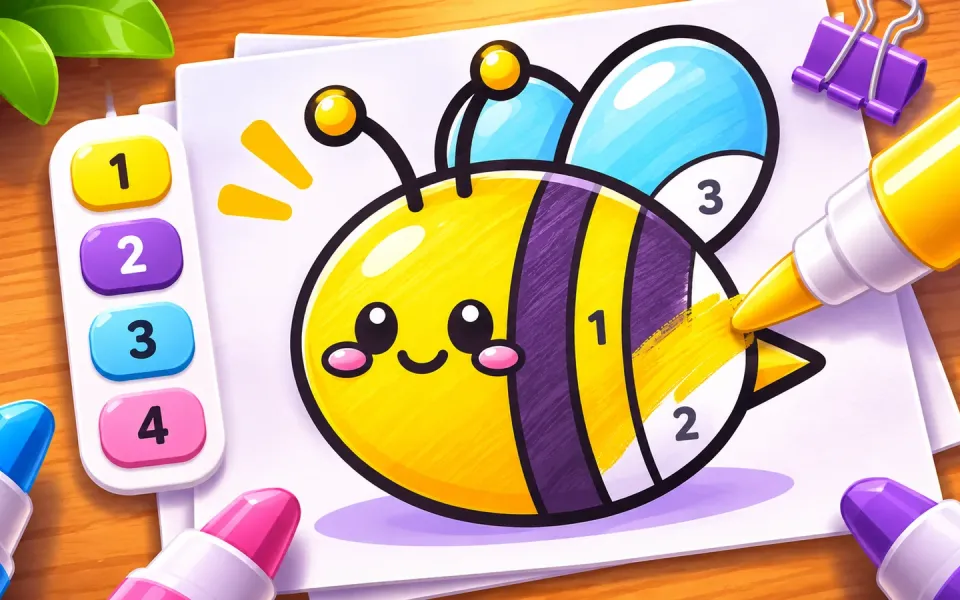
Marker Match is a cozy coloring game with a fun twist: copy the target picture as closely as you can!
Every level shows you a finished picture. Pick the right markers, color the drawing on your paper, and try to match every color and every shadow. When you’re done, the game scans your work and shows how close you got. Score 60% to pass, 80% for two stars and 92% for a perfect three-star finish.
Color 40 adorable hand-drawn pictures: a smiling strawberry, a sleepy panda, a happy whale, a sweet cupcake, a little rocket and many more. Each one has soft shading and tiny details, so you’ll need to choose your markers carefully.
Use the thickness slider for fine lines or wide strokes, fix mistakes with undo or the eraser, and use the magic marker when a part gets too messy.
Simple, calm and satisfying. Perfect for a quick break or a relaxing coloring session.
Features:
40 cute hand-drawn pictures, from easy to tricky
Match the target and earn up to 3 stars
Realistic markers with a thickness slider
Undo, eraser and magic marker
Smooth page-turn transitions and soft sounds
Plays great on mobile and desktop
Cách chơi
Look at the TARGET picture in the top left. Press and hold it to see it bigger.
Pick a marker from the tray at the bottom.
Color the picture on the paper to match the target. Use the right color in the right place.
Drag the slider on the left to make your marker thinner or thicker.
Use Undo or the Eraser to fix mistakes.
When most of the picture is colored, tap DONE to see your score.
Reach 60% or more to unlock the next picture.
Điều khiển
Mobile: touch and drag to color, tap a marker to select it, drag the side slider to change thickness, press and hold the target to zoom.
Desktop: click and drag with the mouse to color, click a marker to select it, drag the side slider to change thickness, press and hold the target to zoom.