 Sworded: Spin & Slash
Sworded: Spin & Slash
This game is hosted by a third party and is free to play. Never enter passwords or payment details inside the game.
About this game
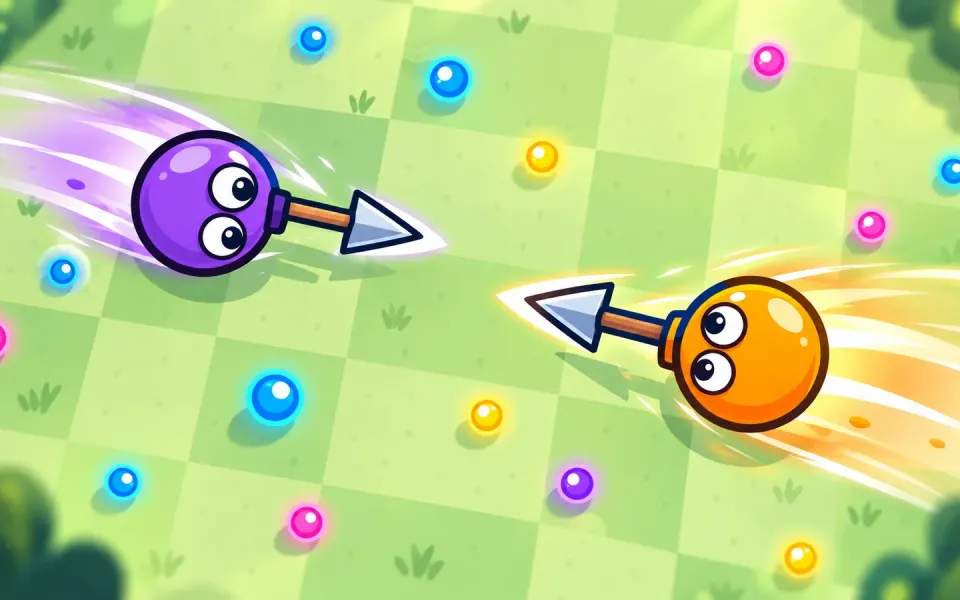
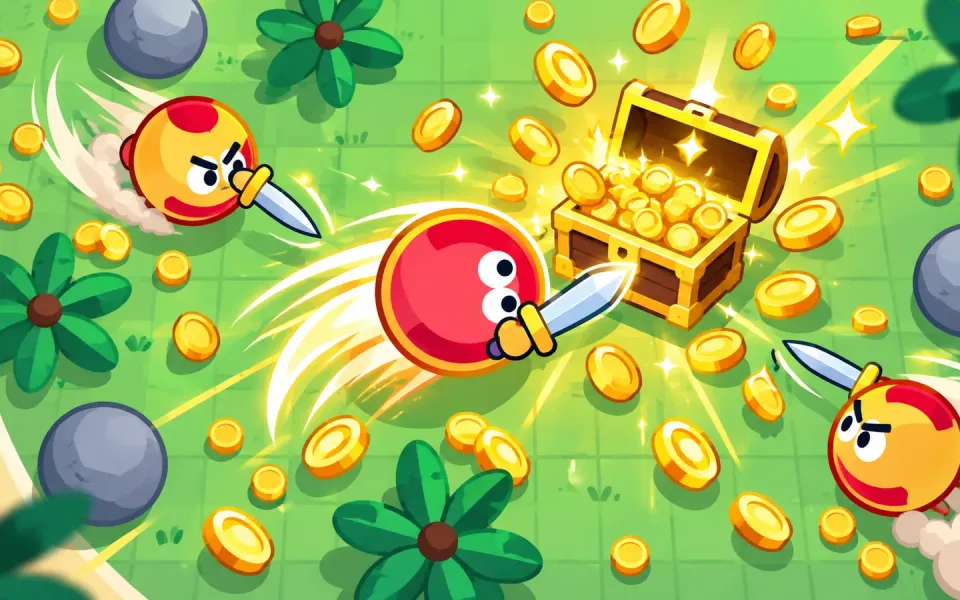
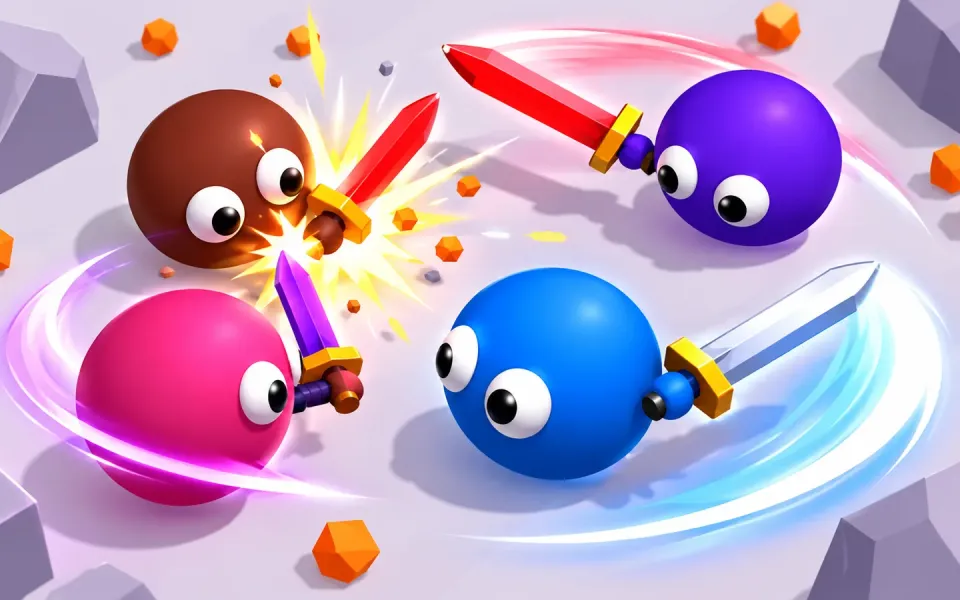
Sworded is a fast, colorful sword-fighting arena game where momentum is everything. Your blob drags a sword on a short arm – move in circles to swing it, or hold SPIN to whirl it around like a tornado. The faster your blade moves when it hits, the more damage it deals!
Clear each wave of rival blobs, collect orange XP orbs to level up and grow your sword, then pick one of three upgrades: sharper blades, longer swords, faster feet, more health, regeneration, lifesteal, armor or stronger spins. Every wave is bigger, tougher and takes place in a new arena – Crystal Plains, Scorched Desert, Frozen Field, Rainy Meadow, Misty Peaks and a lightning-filled Thunder Storm.
Features
- Physics-based spin & swing sword combat – timing and positioning beat button mashing
- Blade clashes: swords that meet clang and bounce back
- Endless wave survival with roguelike upgrades after every wave
- 6 arenas with live weather: dust storms, snow, rain and thunder
- Level up during the fight – bigger blob, longer blade, more health
- Unlock 8 blob skins and 9 swords, including Crystal, Flame, Shadow and Golden blades
- Smooth 3D graphics, plays great on phone, tablet and desktop
- Free to play in your browser, no download needed
How to play
Move your blob around the arena and swing your sword into enemies. Moving in circles swings the sword; holding SPIN whirls it at full speed but uses stamina (blue bar). Faster hits deal more damage – the blade tip hits hardest. Collect orange orbs to level up. Defeat every enemy to clear the wave, then choose an upgrade. Survive as many waves as you can and spend your coins on new blobs and swords in the shop.
Controls
Desktop
- Mouse – move toward the cursor
- Left Click / Space (hold) – Spin
- WASD / Arrow Keys – move
- Esc – back to menu
- 1 / 2 / 3 – pick an upgrade
Mobile
- Drag anywhere – move (virtual joystick)
- SPIN button (hold) – Spin
- Tap a card – pick an upgrade